Report Access
Vio.com offers different mechanisms to access affiliate reporting data. Each report is available in one or more of these offerings.
Live reporting
Live reporting provides access to the latest available affiliate booking data at any moment. For this reporting Vio.com uses Snowflake's data sharing capabilities. These reports can be accessed manually or programmatically:
-
Manual access (Reader Account): By default, each affiliate receives a Snowflake reader account. This account provides access to the Snowflake UI (Snowsight), allowing partners to view, query, and manually download data. Programmatic access is not supported with this account. To access the reader account, affiliates are provided with:
- A Snowflake reader account URL in the form
https://<account_id>.snowflakecomputing.com. - A username and password.
- A Snowflake reader account URL in the form
-
Programmatic access (System Account): In the case a partner needs programmatic access to live data, they must request a system user. System users do not have access to the Snowflake UI and authenticate using key-pair authentication. To set this up, the affiliate must generate a key pair (following the instructions here) and share the public key with Vio. Vio will then provide the required credentials to connect to Snowflake. For implementation details, see Snowflake’s documentation.
Snowflake UI login with reader account
To login into Snowflake, go to the provided URL and use the provided user and password:
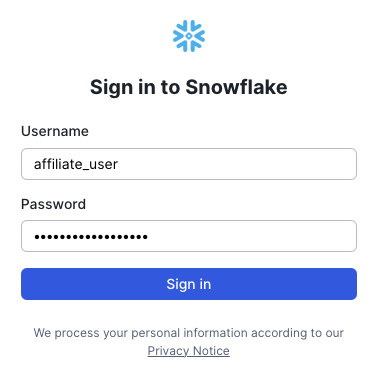
If you have set MFA (Multi-Factor Authentication) up (see instructions below), which is strongly recommended and will eventually become mandatory for all Snowflake users, Duo will ask you to confirm your identity. For more information, follow Duo's login guide.
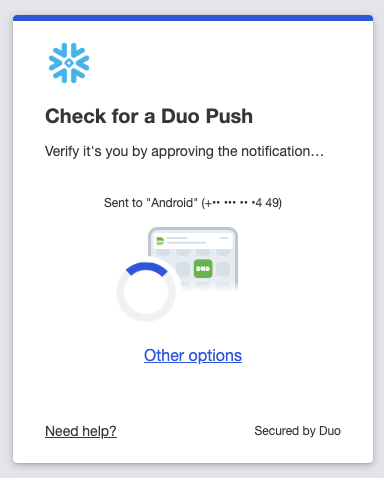
This will grant you access to Snowsight, Snowflake's web interface. For more details about how to use Snowsight, please check Snowflake's documentation. Apart from Snowsight, other database clients tools can be used, including graphic clients like DBeaver, CLIs like SnowSQL and programming languages.
Instructions for first time login
The first time you login, you will be asked to reset your password:
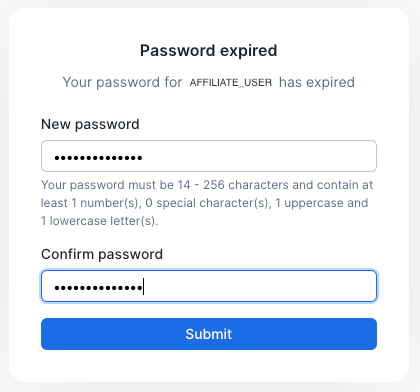
You will also need to set MFA (Multi-Factor Authentication). For that, first open your user profile using the bottom right menu and selecting the "My profile" option:
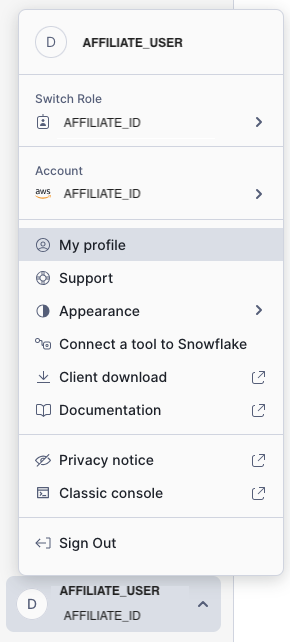
Then, click on "Enroll" next to Multi-factor authentication:
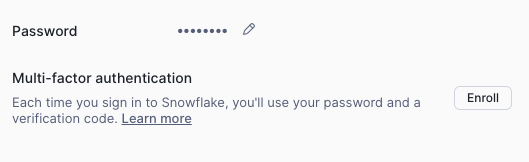
And follow the steps to enroll using Duo. For more information, follow Duo's enrollment guide.
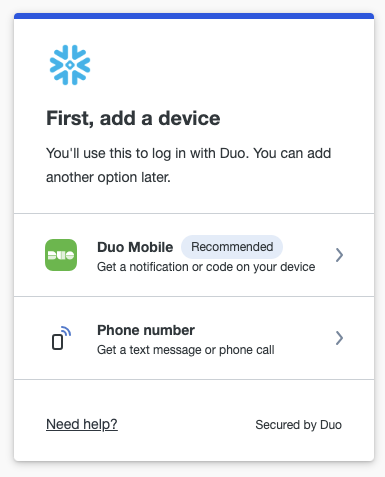
Snowflake UI and data
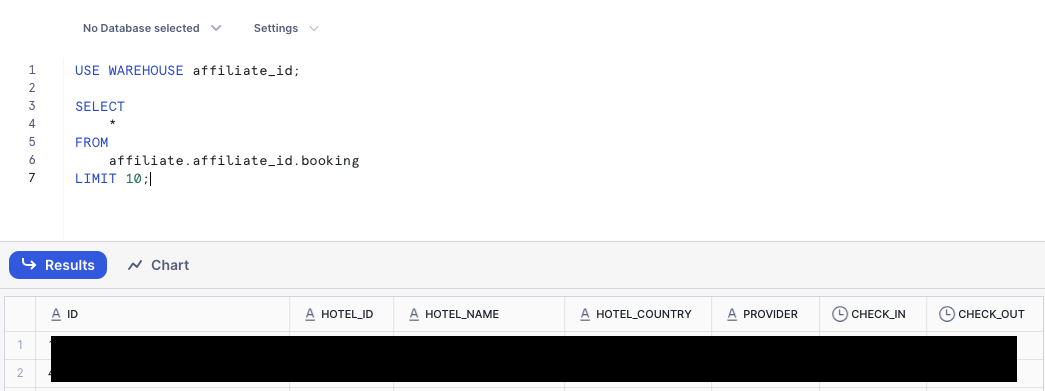
Every affiliate will have one database called affiliate with a schema named after its affiliate_id. In that schema, there will be one booking view, corresponding to the booking report.
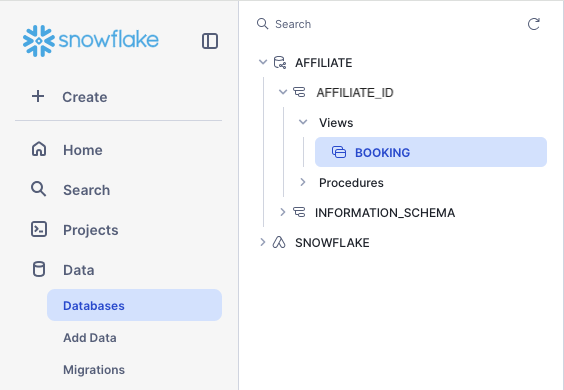
To query the data, click on "+ Create" on the top left corner and then select "SQL Worksheet":
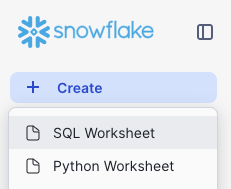
In the newly created worksheet you can start querying the data in the available views:
Scheduled reporting
Scheduled reporting is used to share reports that are generated on a specific frequency, usually daily or monthly. For this reporting Vio.com offers 2 types of access, FTP and email.
FTP
Every affiliate gets access to Vio.com's FTP server. To be able to connect, every affiliate will be provided with the following:
- FTP server URL: export.vio.com
- User and password.
To connect to the FTP server, use the SFTP protocol and the provided URL, user and password. For example, using the FileZilla FTP client:
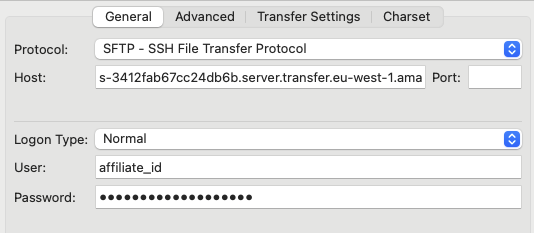
Once logged in, there will be 2 directories available, invoice_item for the invoice_item report and booking_daily for the booking_daily report.

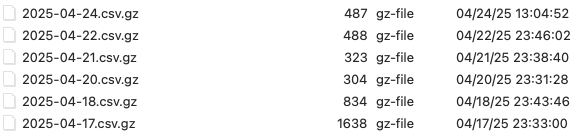
The reports are available in Gzipped CSV and their names depend on the frequency in which they are generated. For daily reports (eg. booking_daily) the name will be YYYY-MM-DD.csv.gz and for monthly reports (eg. invoice_item) the name will be YYYY-MM.csv.gz.
Email
Apart from the FTP access, affiliates can opt in to receive their scheduled reports via email. For that, all affiliates will be asked to provide:
- One primary email address.
- Zero or more secondary email addresses.
The emails will be sent to the primary email address and CC'ed to the secondary email addresses, if any. Only the delivery to the primary email address will be monitored for errors. We recommend using a generic non-personal email as the primary address.